Power your online store with payment methods Filipinos trust.
Add PayMongo Plugin to your Shopify, WooCommerce, or Magento store, and start accepting GCash, Maya, cards, and more.
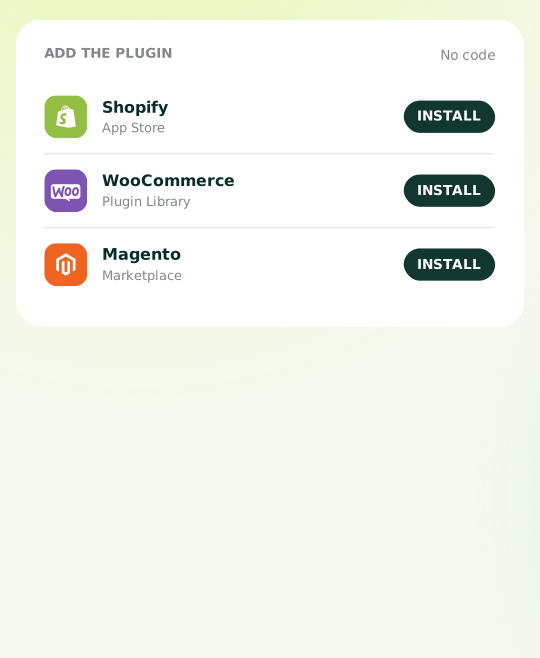

Everything your Shopify, WooCommerce, or Magento checkout needs
Payment Methods
Never miss a checkout
Give Filipino customers more ways to pay with 14+ payment methods through one payment gateway.
Quick Setup
Plug and pay
Install PayMongo the way you already install plugins on Shopify, WooCommerce, or Magento — no coding or complex setup needed.
Auto Updates
Maintenance on us
New payment methods and platform updates? We've got it covered. Install once and keep selling.
How to install
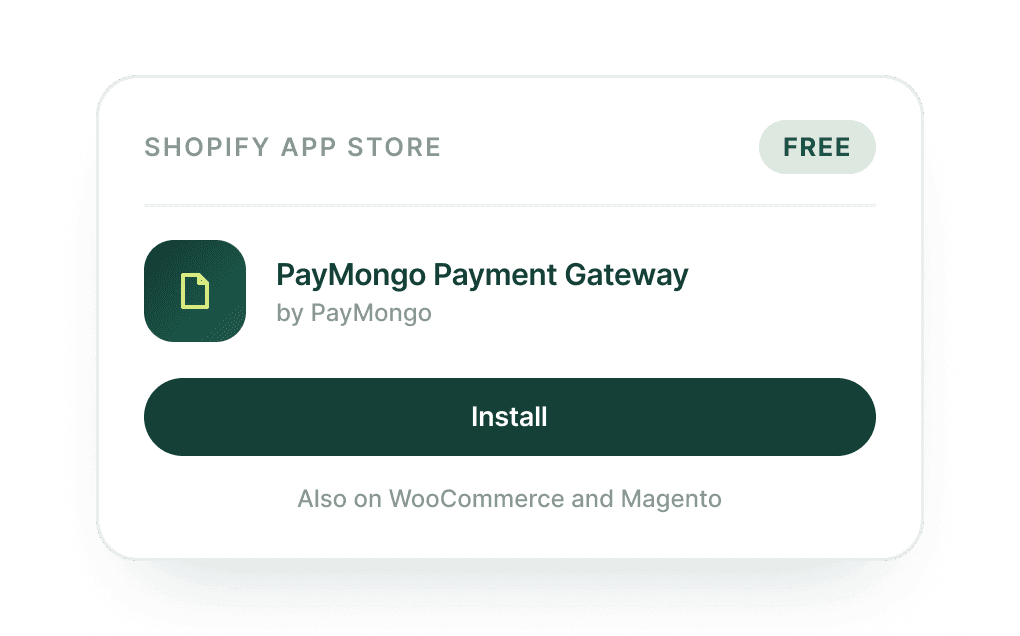
Install PayMongo plugin
Find PayMongo in the Shopify App Store, WooCommerce Plugin Library, or Magento Marketplace, then simply install. No code editing, no developer required.
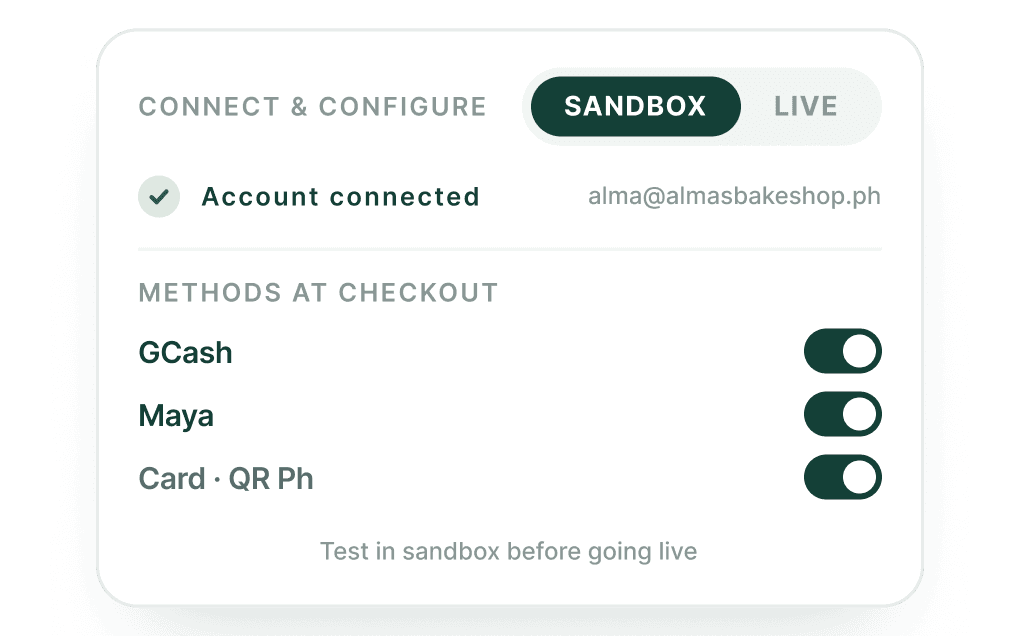
Connect and configure
Log in to your PayMongo account (or create one for free), connect it to the plugin, and choose which payment methods to enable at your checkout. Test everything in sandbox mode before going live.
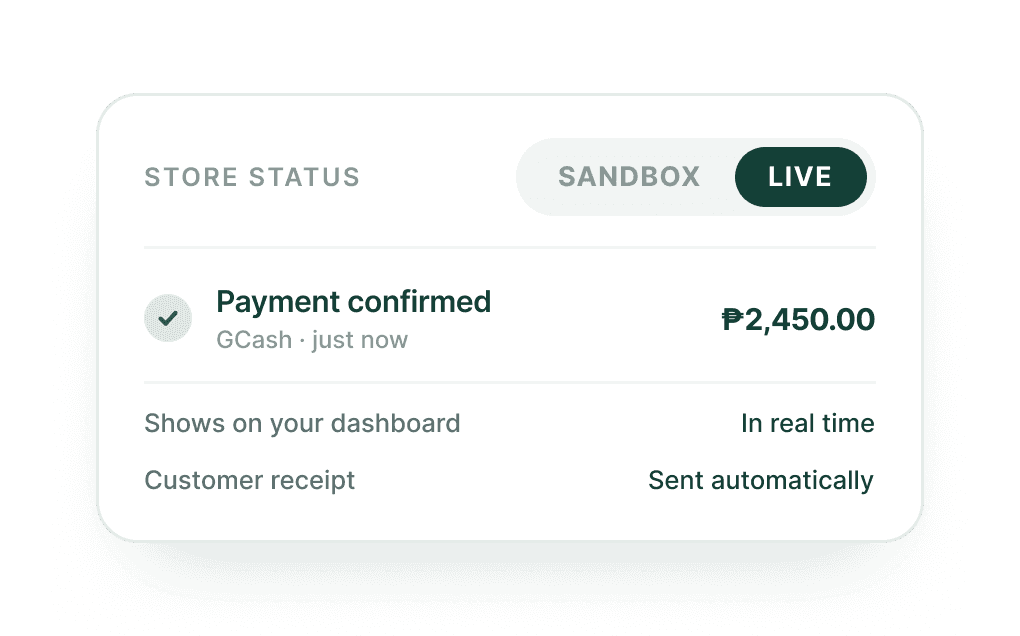
Start accepting payments
Switch to live mode to accept payments. Every payment is confirmed in real time on your PayMongo Dashboard. Customers get automatic receipts.
Questions, answered
It adds to it. The PayMongo plugin installs alongside your existing store configuration — it doesn't replace your theme, your other apps, or any existing payment methods you've already set up. You choose which PayMongo payment methods to enable, and they appear as additional options at your checkout. Nothing else changes.
PayMongo manages plugin updates when platforms change. See updated version in our developer documentation.
The plugin itself is free to install. PayMongo charges a transaction fee only on successful payments — no setup fee, no monthly subscription. You can find the current transaction rate on our pricing page. If no payments are made, you're not charged anything.
No. Because PayMongo handles all payment data processing through its own PCI DSS Level 1 certified infrastructure, your integration scope is significantly reduced. You don't need to run a separate PCI audit for the PayMongo portion of your checkout. 3D Secure authentication and fraud detection are also included automatically.
No payment left behind.
No more missed opportunities or lost customers — start accepting payments the way they pay.