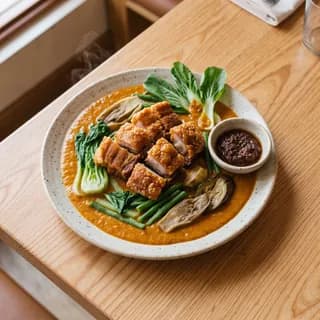



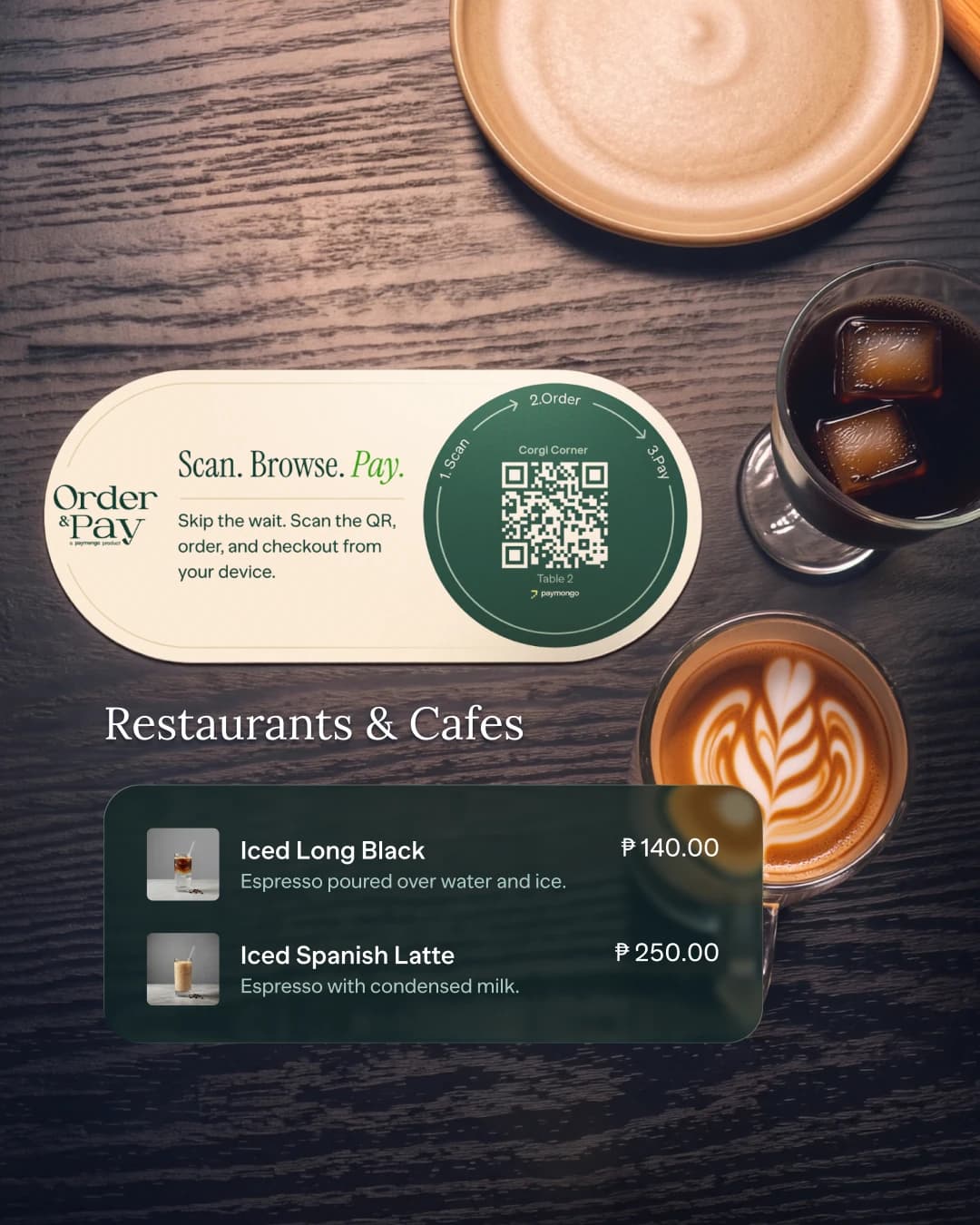
Restaurants and cafés
Keep tables moving.
Let diners scan, browse, order, and pay from the table. Your team spends less time taking orders and chasing bills.
Let customers scan, browse, order, and pay from their phone. Built for restaurants and cafés, hotels and resorts, bookings, clinics, and salons.
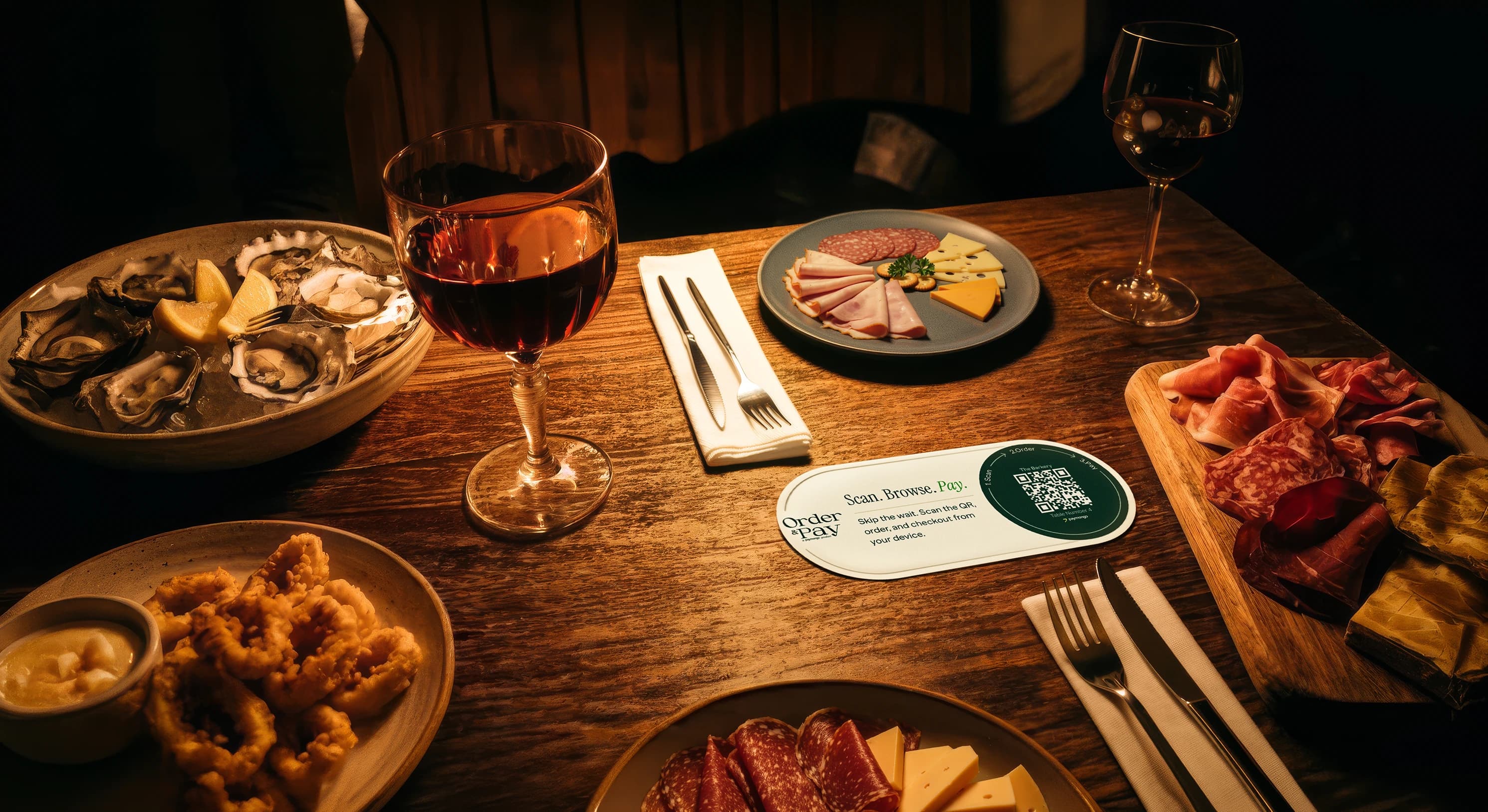
Businesses Powered by PayMongo




















Run every table, counter, room, appointment, or pop-up from one PayMongo dashboard.
One dashboard
Track orders and payments by branch, table, counter, room, or stall in the PayMongo dashboard. Print QR codes, update menus in minutes, and keep each location in sync.
Ordering
Customers scan at the table, counter, or stall and order from their phone. Orders go straight to your kitchen or counter, so staff can stay focused on service.
Open tabs
Let customers add another round or share one tab across the table from their phone. When they are ready to leave, they request the bill without flagging down staff.
Tips and split bills*
Customers add a tip in one tap at checkout. Split the bill evenly or by custom amount when the table is ready to pay.
Bill splitting is coming soon.
More reviews
Show a Google review prompt right after payment, when the visit is still fresh. Turn more happy customers into credible proof for the next one.
The same scan-to-order-and-pay flow, adapted for tables, rooms, bookings, appointments, and pop-ups.
Restaurants and cafés
Let diners scan, browse, order, and pay from the table. Your team spends less time taking orders and chasing bills.
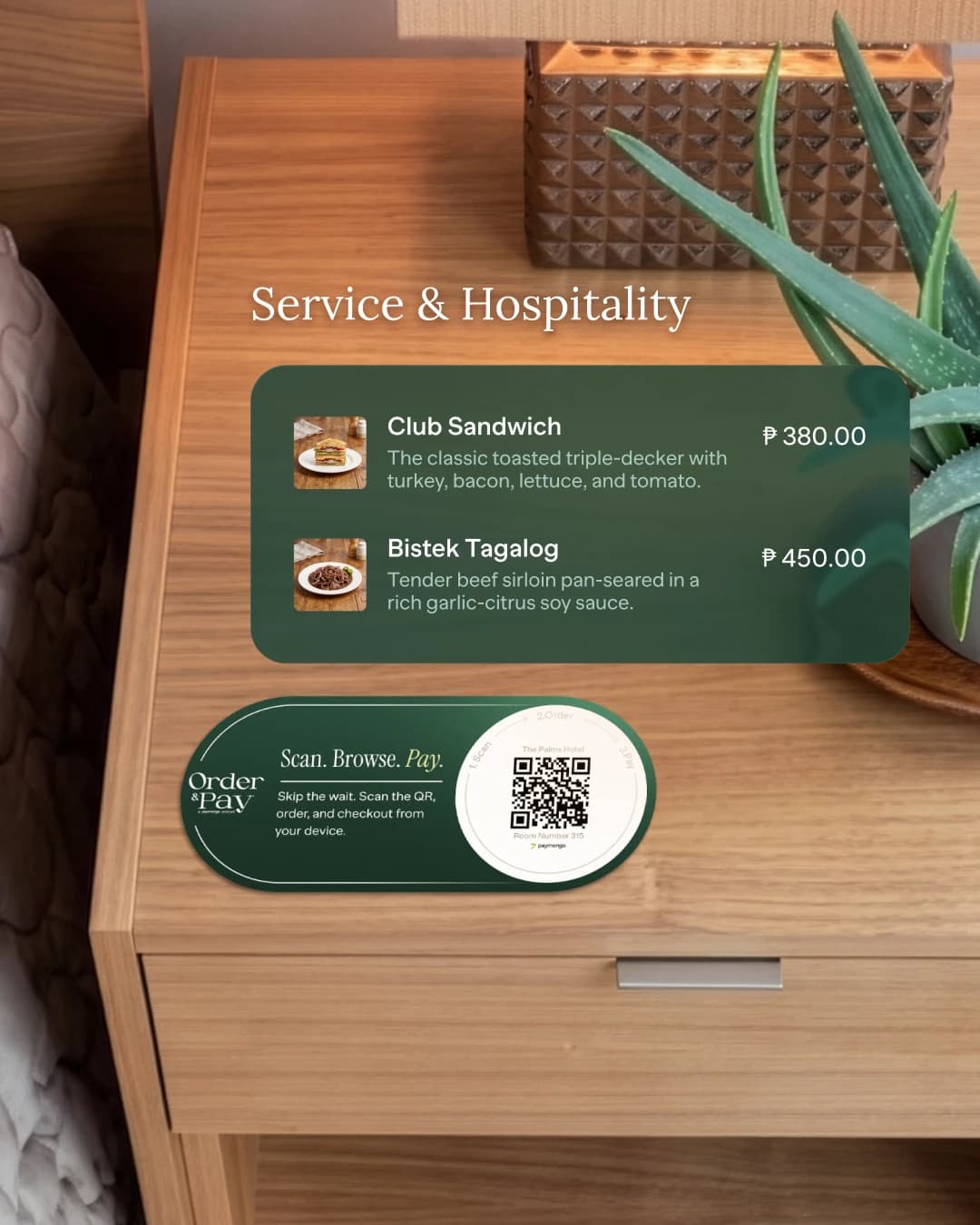
Hotels and resorts
Guests scan, order, and pay from their room. Your team receives every order in one connected flow.
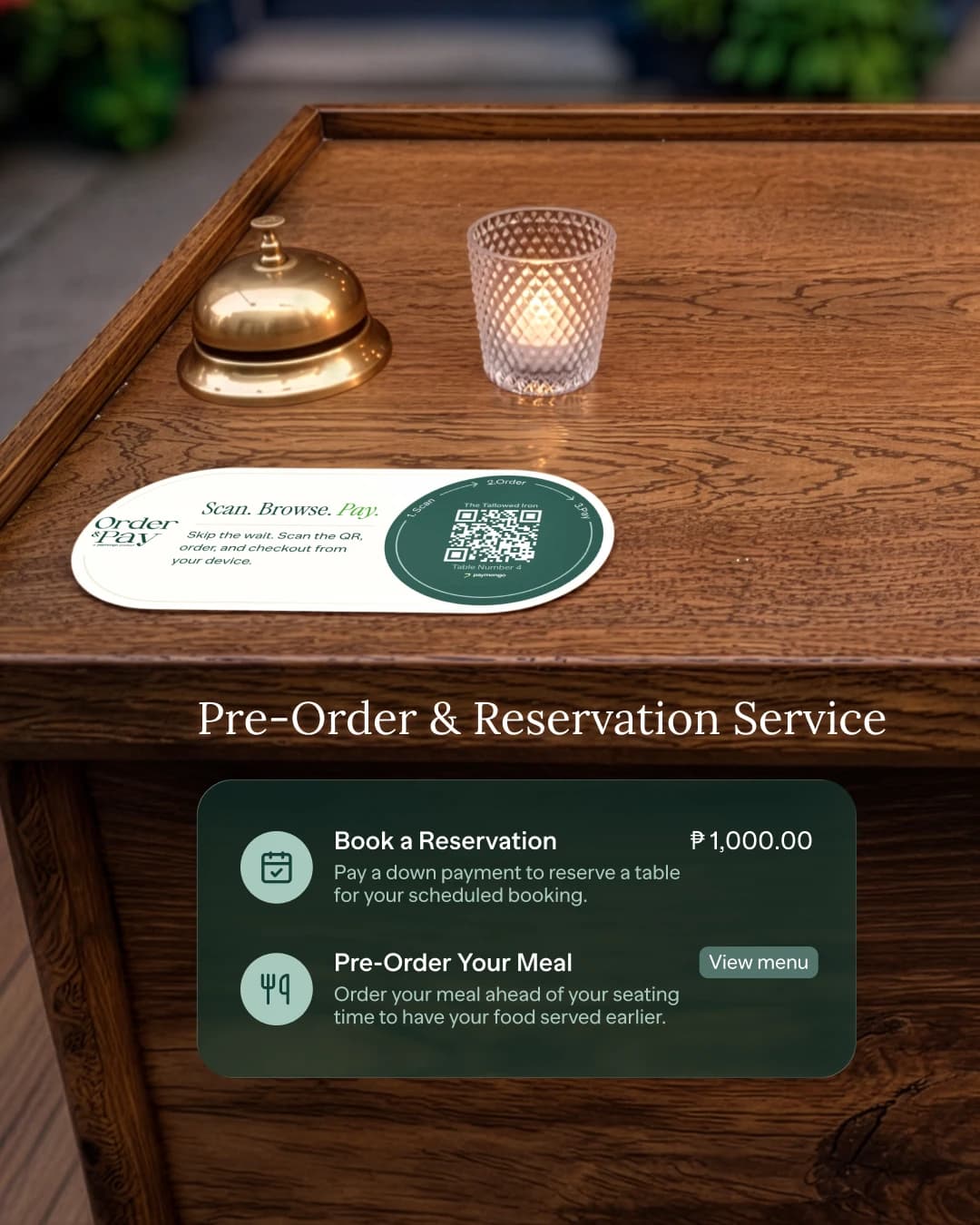
Reservations and pre-orders
Collect a deposit for reservations or let customers pre-order before their visit. Payment is settled before service begins.
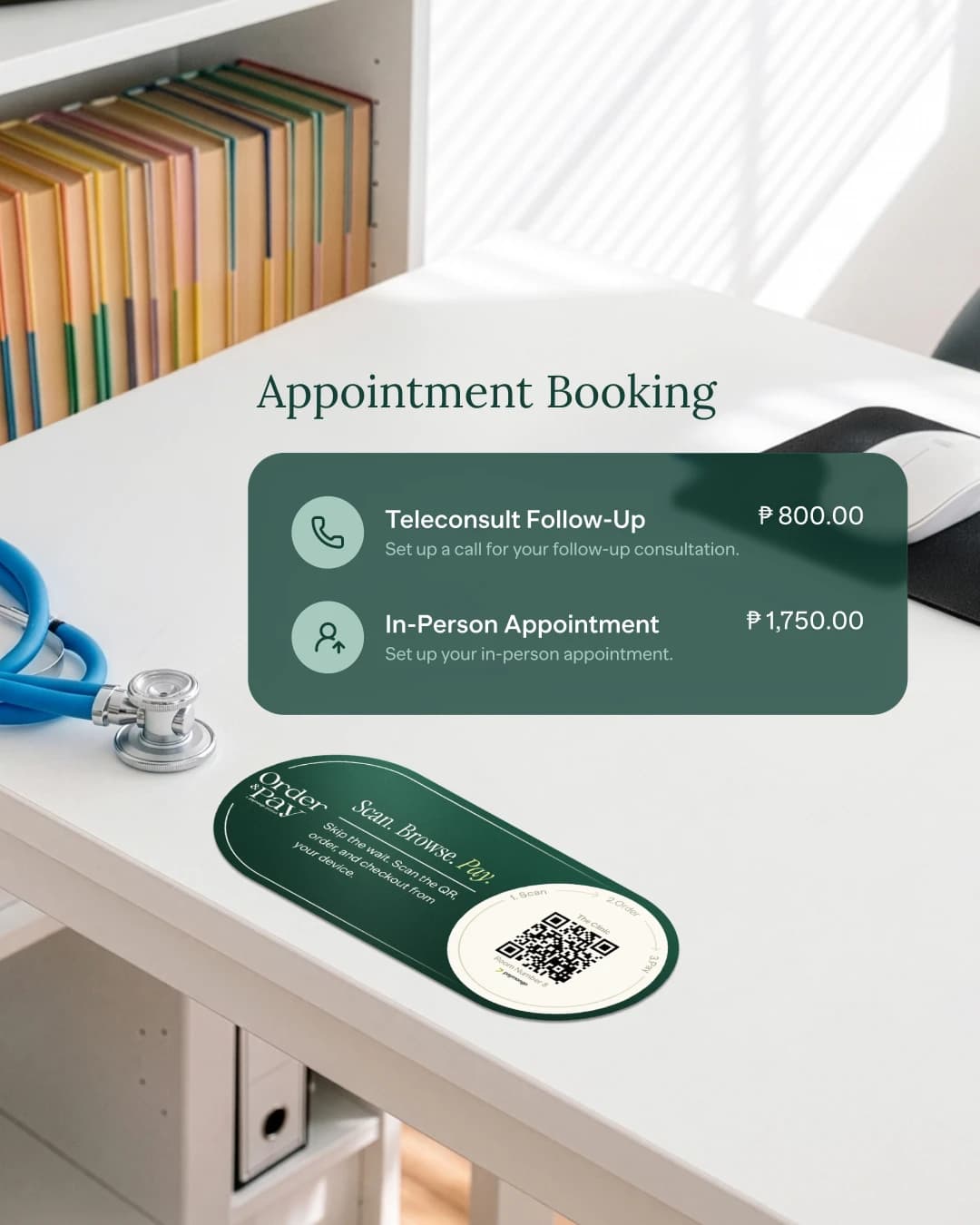
Clinics and salons
Let patients and clients scan, choose a service, and pay from their phone before the appointment starts.
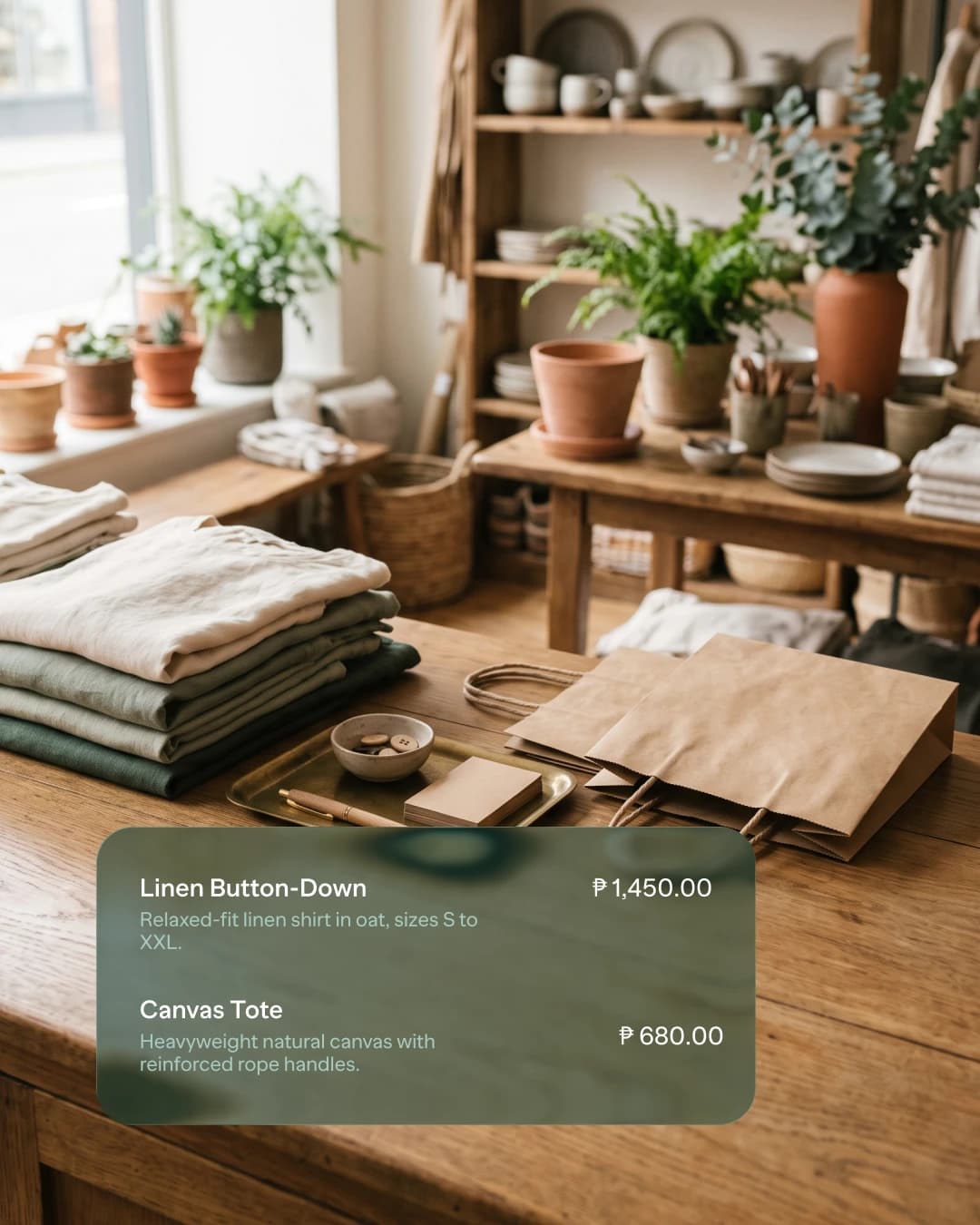
Stalls and events
Let customers order and pay from their phone at pop-ups, market stalls, and event booths, without a queue or extra hardware.
No app. No queue. No separate order-and-bill flow.
Customers open the menu on their phone in seconds.
Orders go straight to your team without another staff step.
Customers settle on their phone, and the payment lands in your dashboard.
We're onboarding restaurants and on-site businesses now. Tell us about yours — your menu, your brand, and every payment method your customers already carry.
Order and Pay is a QR code ordering and payment system for businesses — restaurants, cafés, hotel room service, ticketing, retail counters. Customers scan a QR code at the table or counter, browse your menu or catalogue on their own phone, place the order, and pay on the spot. They can split the bill, tip your team, and leave a Google review — and every order and payment lands in your PayMongo dashboard.
No. The QR code opens your digital menu in the phone's browser. There is nothing to install and no account to create — customers order and pay as guests.
Cards (Visa, Mastercard), e-wallets, QR, online banking, and Buy Now, Pay Later. Payments run on local rails so customers can pay from the wallet or bank app they already have. Every payment is confirmed in real time, so there is no screenshot checking at the counter.
Yes. A group keeps one shared tab, and at the end one person can settle it, or they can split it evenly or by custom amounts — no calculators, no send-money chains.
No. Order and Pay works on its own — you only need a phone or tablet to receive orders and a printed QR code on each table or counter. If you already run a POS, Order and Pay sits alongside it to handle self-ordering and digital payments, so you are not replacing hardware you have already paid for. For small cafés and food stalls, it removes the need to buy a payment terminal or build an online ordering website at all.
Payments are confirmed instantly, and your earnings are settled to your enrolled bank account on PayMongo's standard payout schedule. Payouts are automatic — no requesting them per order — and you can track every order and its payout status in your PayMongo dashboard in real time.
Yes. Generate as many QR codes as you need — one per branch, one per brand, one per menu or catalogue. Each QR code points to its own menu, so one branch can run a different price list from another, and several brands can operate under one PayMongo account. Edit a menu, add a branch, or update prices from your dashboard — the QR codes stay the same, so nothing gets reprinted.
Like your business. Your logo, your colors, your menu. PayMongo appears once, where it earns trust — a “Powered by PayMongo” mark at the payment step.
No. Restaurants are where it shines first, but Order and Pay works anywhere you take orders and payments on-site — cafés, salons, clinics, hotels, events, market stalls. If customers pick from a menu and pay you in person, it fits.