One page. Every customer. Always open.
Set it up once, share it everywhere — and accept GCash, Maya, cards, and more from any customer, any time. No new link per order. No website. No monthly fee.
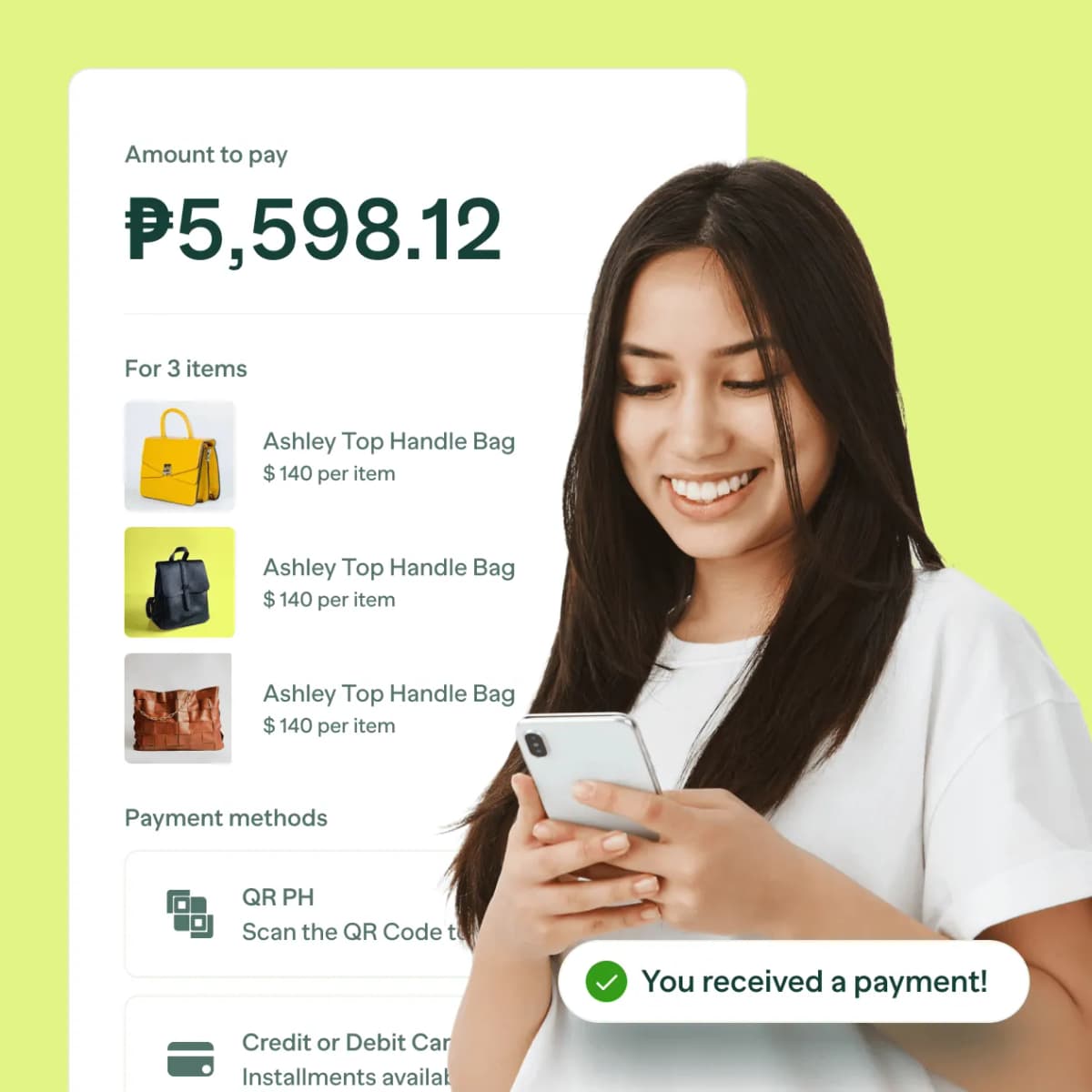
Your business has outgrown manual payment collection. Your tools haven't caught up.
Creating a new payment link for every customer doesn't scale.
When you're getting 20, 50, 100 orders a week, generating a unique link per customer turns into a part-time job. You're copying and pasting, tracking who's paid which link, and fielding "nasaan na yung link ko?" messages all day.
"Just DM us to order" stops working the moment you get busy.
Social media storefronts have no single place to send buyers, no consistent checkout experience, and no way to collect payment without a back-and-forth conversation. Every sale requires your manual involvement.
Building a proper website or e-commerce store isn't in the budget — or the plan.
A Shopify subscription. A developer to set it up. A payment gateway to integrate. For most growing SMEs in the Philippines, a full e-commerce build is either too expensive, too slow, or simply overkill for what they actually need right now.
One page. Every customer. Always open.
One link that works for every customer — forever.
PayMongo Pages gives you a permanent payment destination you set up once and share everywhere. Post it in your bio, add it to your packaging, pin it to your Facebook page. Customers go there when they're ready to pay — no DM required, no new link to generate, no manual involvement from you.
A storefront your customers can browse — without a website.
The Product Catalog page type lets you list your products, set prices, and let customers add to cart and check out on their own. It's a lightweight, always-on product page that handles the ordering and payment flow automatically, so you can take orders even when you're not online.
Up and running in minutes — not months, not thousands of pesos.
No developer, no subscription, no website required. You choose your page type (fixed amount, custom amount, or product catalog), customize your logo, page title, URL slug, and accepted payment methods, and you're live. No setup fee. You're only charged when a payment is successfully collected.
Set it up once. Collect payments forever.
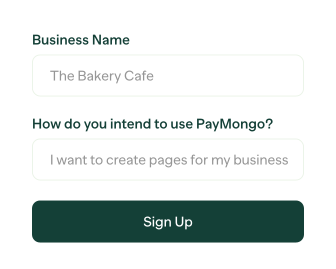
Create your page in the PayMongo Dashboard
Sign up for a free account, go to Payment Pages, choose your page type — Fixed Amount, Custom Amount, or Product Catalog — and fill in your details. Your page is live the moment you save it.
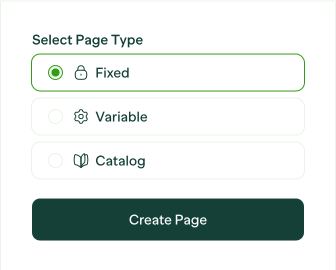
Share your page URL — or print your QR code
Your page has a permanent, branded URL you can share anywhere: Instagram bio, Facebook post, Viber broadcast, or printed on a menu or flyer. For in-store use, download your QR code and display it at your counter.
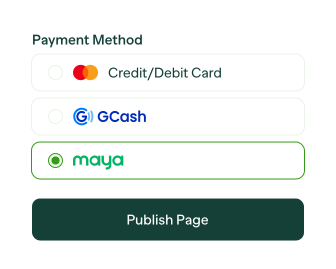
Let customers pay — and watch it come in
Customers land on your page, choose what they're paying for, and check out using their preferred method. Every successful payment appears on your dashboard in real time. Customers receive an automatic email receipt.