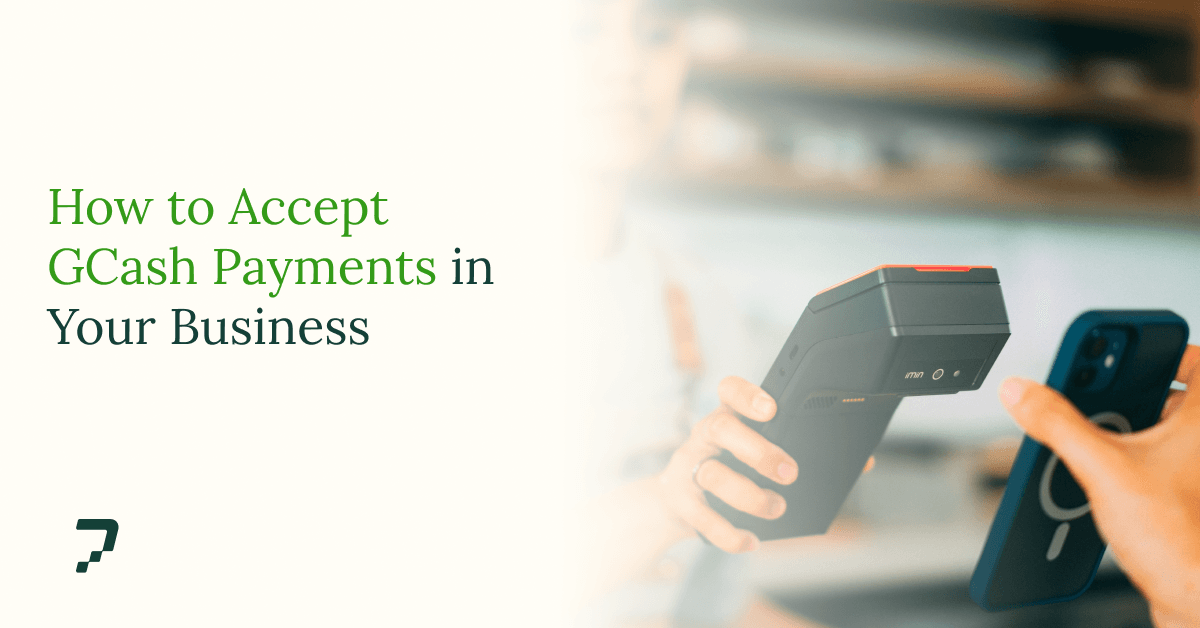
GCash is one of the most widely used payment methods in the Philippines with millions of users. If you sell anything, whether in a store, on social media, or through a website, some portion of your customers would rather pay with GCash than any other way. Accepting it is not complicated. But there are three distinct ways to do it, and they are not interchangeable.
This guide explains each method, what it costs, and how to choose.
The three ways to accept GCash
Every business accepting GCash uses one of three mechanisms:
QR Ph codes generated through PayMongo can be paid with GCash, Maya, participating bank apps, and BNPL.
The right choice depends on one question: where does the sale happen? If it happens at a counter, start with QR. If it happens in a chat thread or on a website, start with a link or gateway.
QR Ph: accepting GCash in person
QR Ph is the national QR standard set by the Bangko Sentral ng Pilipinas. One property makes it useful: a single QR Ph code accepts payment from GCash, Maya, and most Philippine banking apps. The customer chooses the app; you display one code.
There are two grades of QR. A personal QR, generated inside the GCash app, credits into your personal wallet. It works, but wallet limits apply and every payment mixes with your personal money. A business QR routes payments to a business account, with transaction records you can actually reconcile.
You can obtain a business-grade QR Ph code either by applying to GCash directly, or instantly through PayMongo, where the same code also accepts Maya and bank app payments.
Print the code. Place it where the customer already looks when it's time to pay. This is the entire integration.
The GCash merchant account
GCash operates its own merchant program (GCash for Business). Applying gets you an official merchant QR, a business wallet, and GCash's merchant tooling.
Three constraints are worth understanding before you apply. The account accepts GCash and nothing else, thus a customer holding a credit card or a Maya wallet cannot pay you through it. And it is built for in-person acceptance; selling online through it requires separate integration work.
If your business is a physical store where most customers already pay with GCash, this is a reasonable choice. If any part of your selling happens online, it solves half the problem.
Accepting GCash online
Online, GCash acceptance runs through a payment gateway. Payment gateways usually provide two mechanisms, depending on whether you have a website.
Payment links require no website; a social media page is enough. PayMongo asks for an active social media account at onboarding, and for most social sellers that's the Facebook or Instagram page they already sell from.You create a link, set the amount, and send it – Messenger, Viber, SMS, anywhere text goes. The customer opens it, pays with GCash (or a card, or Maya), and both sides receive confirmation. For businesses that close sales in conversations, the link goes where the conversation already is.
Checkout integration puts GCash inside your website's payment flow. On Shopify and WooCommerce, this is a plug-in, not a development project. For custom-built sites, a payment API exposes the full payment flow – sessions, confirmations, webhooks.
Setup, in either case:
- Create a PayMongo account. Free. No setup fee, no monthly fee.
- Verify your business. Business details and documents, submitted through the dashboard.
- Create a payment link, or install the plug-in. Both take minutes.
- Receive payouts. Funds settle to your bank account on a regular schedule.
What it costs
Pricing is usually the deciding factor, so here is the honest comparison of a GCash merchant account and a payment gateway like PayMongo:
PayMongo charges only on successful transactions; no setup fee, no monthly fee.
Making it visible
Accepting GCash only converts sales if customers know before they hesitate. State it where purchase decisions happen: store signage, your Facebook page, product listings, your checkout page. If you sell through DMs, send the payment link inside the same conversation – every app-switch or typed account number is a place where a sale quietly dies.
Additionally, keep the alternatives on. Some customers will always prefer Maya, a card, or a bank transfer. Accepting all of them through one account means the payment method is never the reason you lose the sale.
Start Accepting GCash:
Your customers already have GCash on their phones. PayMongo puts it in your checkout, alongside cards, Maya, QR Ph, and online banking, with no setup fees and nothing to build.
Frequently Asked Questions
Can I accept GCash payments without a business account?
Yes. A personal GCash wallet accepts payments by QR or send-money. Wallet limits apply, and payments mix with personal funds. For registered businesses, a merchant account or gateway provides higher limits, receipts, and clean records.
How do I get a GCash QR code for my business?
Two routes: apply through GCash for Business, or generate a QR Ph code through PayMongo. The PayMongo code also accepts Maya and participating bank apps.
Do I need DTI or SEC registration?
Not for a personal wallet. For a GCash merchant account or a PayMongo business account: DTI registration for sole proprietors, SEC for corporations. Freelancers can apply to PayMongo as individuals.
Read more: