PayMongo
paymongo plugins

All payments, inside your existing store.

Install PayMongo into your Shopify, WooCommerce, or Magento store and give your customers GCash, Maya, cards, QRPh, and more at checkout — no custom code, no developer, no migration.

Trusted by 10,000+ businesses on PayMongo. PCI DSS Level 1 certified. BSP-regulated.
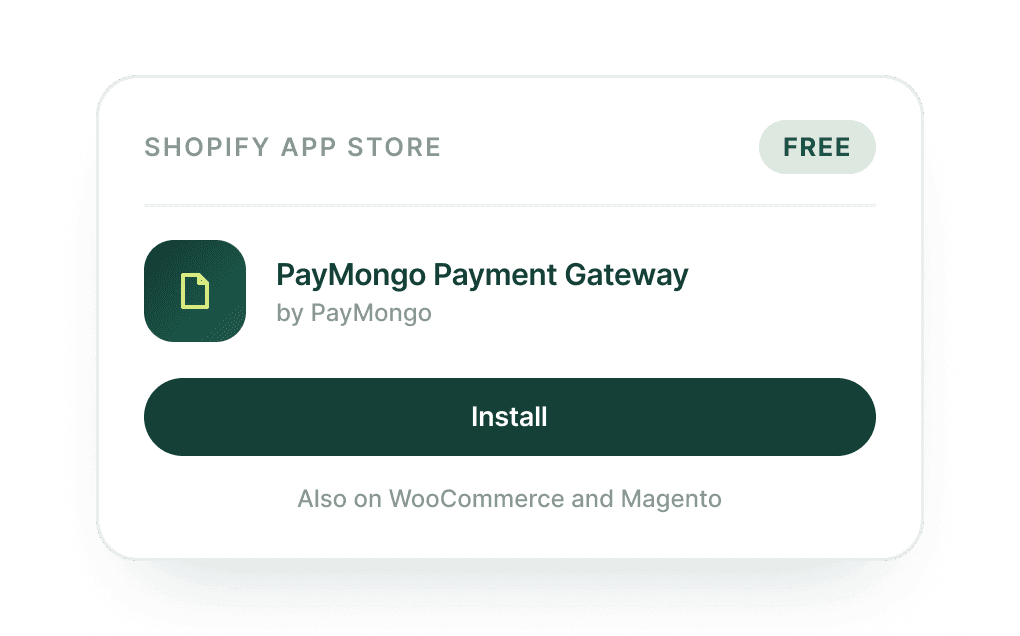
PayMongo plugin listing in the Shopify App Store with install button

Your store looks global. Your checkout doesn't work for Filipino customers.

Your store accepts cards. Most of your customers want to pay with GCash.

Shopify, WooCommerce, and Magento are built for global markets — and their default payment options reflect that. Stripe and PayPal work well in the US and Europe. In the Philippines, your customers open checkout, don't see GCash or Maya, and leave. You built a professional store, but it's turning away a significant portion of the people who wanted to buy.

Lost sales
from customers who couldn't find their preferred payment method

Closing the payment gap with a custom integration takes months and costs more than it should.

Hiring a developer to build a custom payment integration into your store isn't a one-afternoon job. It requires scoping, building, testing, platform compatibility checks, and an ongoing commitment to maintain it every time Shopify, WooCommerce, or Magento pushes an update. Most merchants either can't afford it, can't find the right person to do it, or both.

₱10,000s+ upfront
plus ongoing maintenance indefinitely

Workarounds like manual bank transfer at checkout destroy the experience you built your store to deliver.

Some merchants patch the gap by adding a bank transfer or GCash number to their checkout instructions and asking customers to send a screenshot. It works — sometimes — but it makes a professional store look like a social media shop. Customers hesitate, orders fall through, and you spend time manually reconciling payments that should have been automated.

Hours per week
lost to manual payment reconciliation

One plugin. All payment methods. No rebuilding your store.

Give every customer a way to pay — without touching your store's code.

Install the PayMongo plugin for your platform and your checkout immediately supports GCash, Maya, GrabPay, ShopeePay, cards (Visa, Mastercard), QRPh, BillEase BNPL, and major Philippine online banks. Your store stays exactly as it is — the plugin adds what's missing. Customers see the payment methods they actually use, and you stop losing sales at the finish line.

GCash, Maya, GrabPay, ShopeePay support
Cards, QRPh, and BillEase BNPL included
Major Philippine online banks supported
No changes to your existing store code

Install in minutes. Let PayMongo handle maintenance forever.

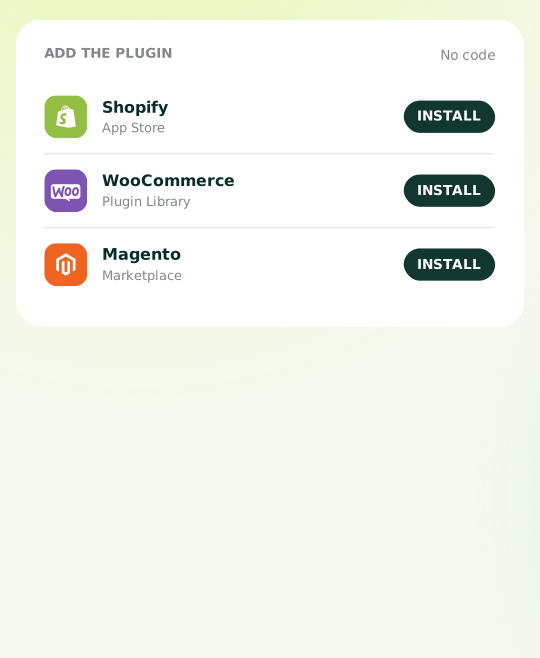
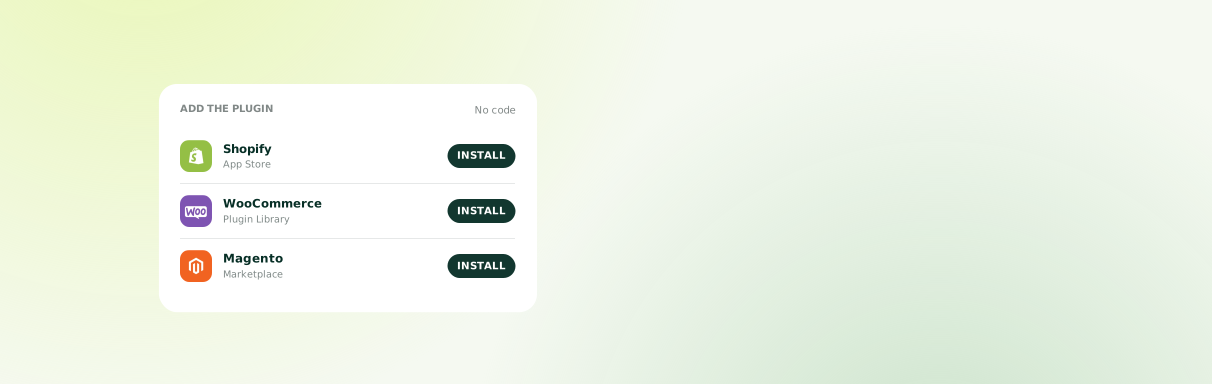
Each PayMongo plugin is built specifically for its platform — Shopify's app store, WooCommerce's plugin library, Magento's extension marketplace — so installation follows the process your store already uses. No custom development required. And when PayMongo adds new payment methods or your platform pushes an update, the plugin is updated automatically. You install it once and move on.

Platform-native installation process
Automatic updates when platforms change
No developer maintenance required
New payment methods added automatically

A checkout your customers trust — and payments you can actually track.

PayMongo processes every payment end-to-end: fraud detection, 3D Secure authentication, and automated receipts are all included. Every transaction appears on your PayMongo Dashboard in real time — no screenshot chasing, no manual reconciliation, no spreadsheet. If you use other PayMongo products alongside your store, everything is in one place.

Fraud detection and 3D Secure included
Automated customer receipts
Real-time dashboard tracking
Unified with all PayMongo products

From "my store doesn't support GCash" to "my checkout accepts everything" — in one afternoon.

Install the PayMongo plugin from your platform's marketplace
Step 01

Install the PayMongo plugin from your platform's marketplace

Find PayMongo in the Shopify App Store, WooCommerce Plugin Library, or Magento Marketplace. Install it the same way you'd install any other plugin for your store — no code editing, no developer required.

Under 10 minutes
Connect your PayMongo account and configure your payment methods
Step 02

Connect your PayMongo account and configure your payment methods

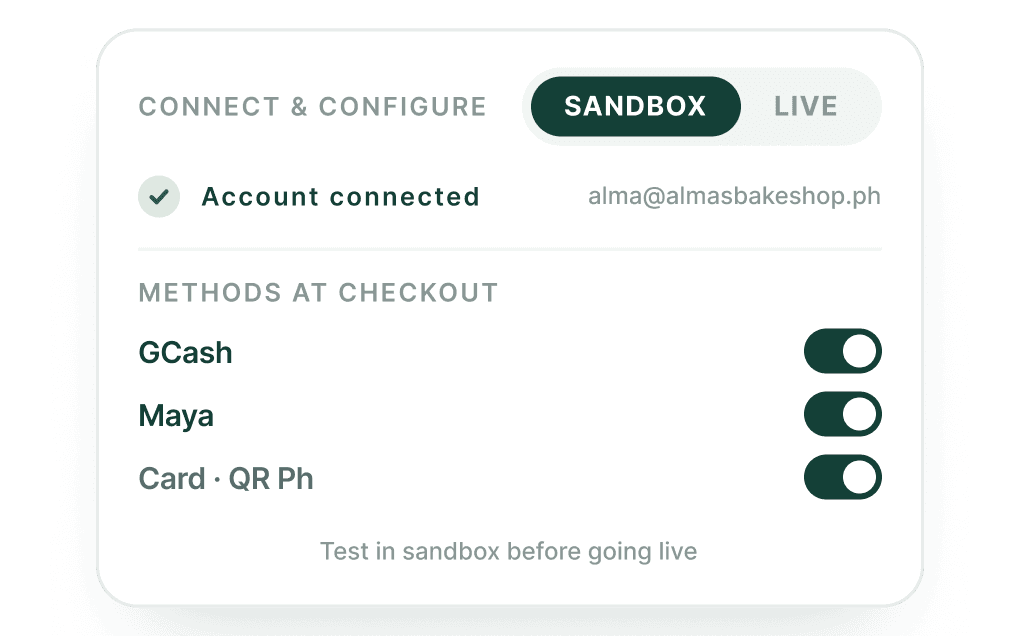
Log in to your PayMongo account (or create one for free), connect it to the plugin, and choose which payment methods to enable at your checkout. Test everything in sandbox mode before going live — no real transactions until you're ready.

15–30 minutes including sandbox testing
Go live and start accepting payments from every Filipino customer
Step 03

Go live and start accepting payments from every Filipino customer

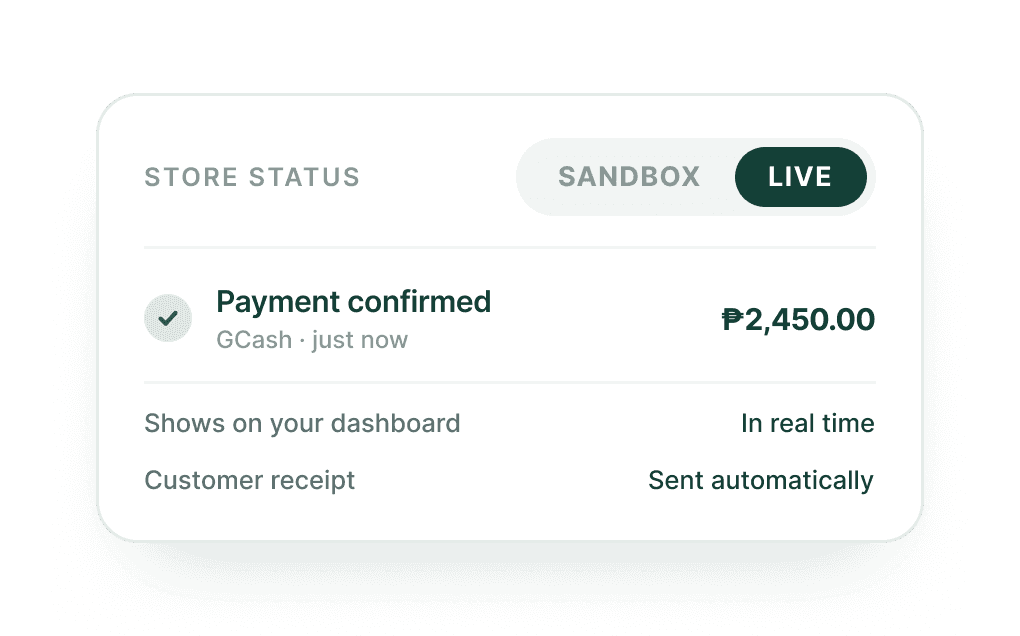
Switch to live mode and your checkout immediately accepts GCash, Maya, cards, QRPh, and more. Every payment is confirmed in real time on your PayMongo Dashboard. Customers get automatic receipts. You get paid — no manual steps on either side.

Real-time payment confirmation

What merchants ask before installing

Your store is ready. Your checkout just needs PayMongo.

Install the PayMongo plugin for Shopify, WooCommerce, or Magento and give your customers GCash, Maya, cards, and more at checkout — today. Free to install. No developer needed. No monthly fee.