One QR code. 30+ banks and e-wallets. Instant confirmation.
PayMongo QR Ph lets your customers pay from GCash, Maya, BPI, and 30+ other banks and e-wallets — all from one QR code at your counter. Low transaction fees with no additional setup fee or monthly fees.
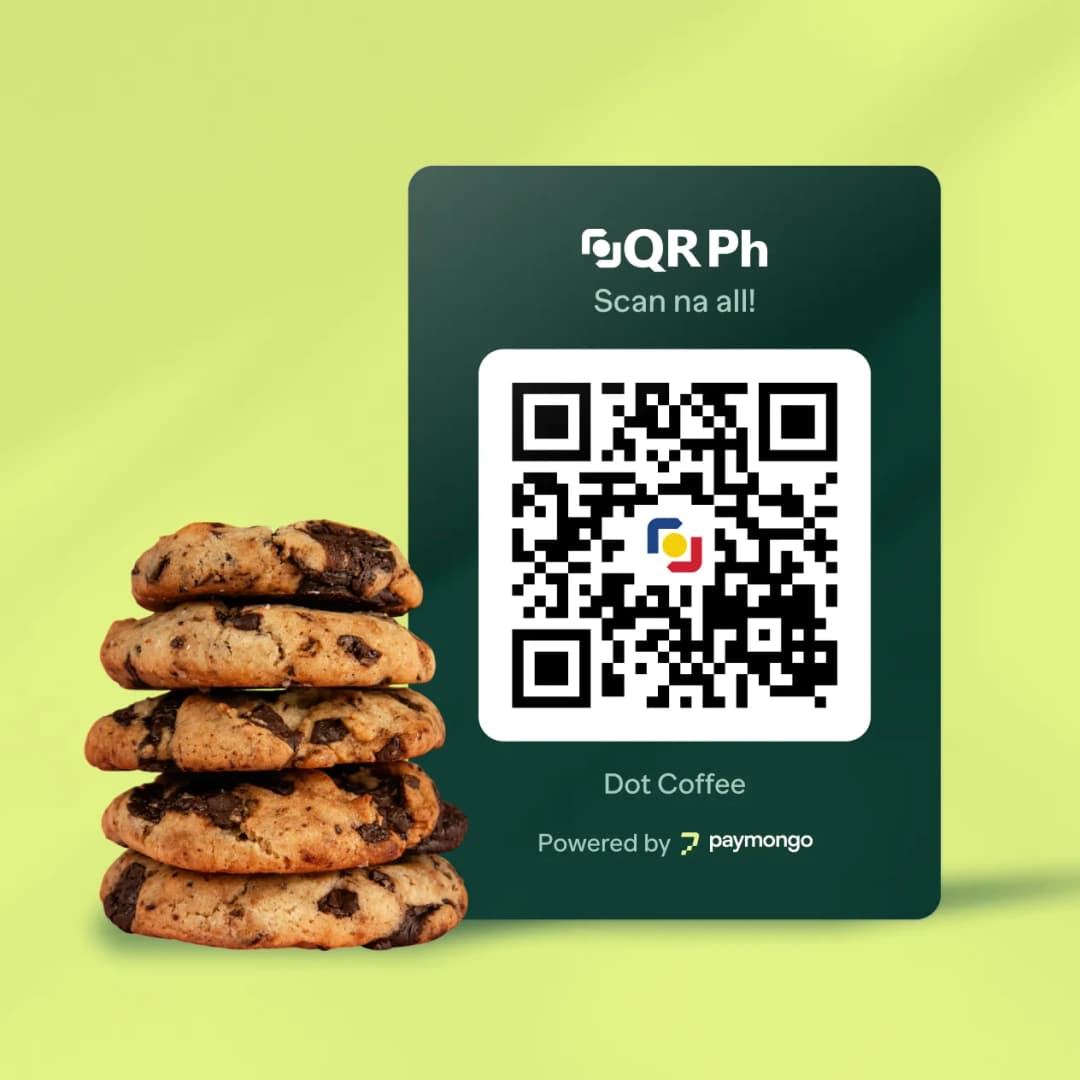
Offer flexible payment options through our payment partners












Your customers want to pay digitally. Can your store keep up?
Cash is costing you more than you think
Counting, depositing, and securing cash eats 5–15% of your revenue. Errors, theft risk, and daily bank trips add hours of lost productivity every week.
Customers leave when you can't accept e-wallet payments
Over 60 million Filipinos use e-wallets. When a customer asks "Do you accept this e-wallet?" and the answer is no, they walk to the store that does.
POS terminals are expensive and fragile
Traditional card terminals cost ₱15K–30K upfront, and can charge up to 3.5% per transaction, and break down. Maintenance, connectivity, and paper rolls add hidden costs monthly.
One QR code, every payment app your customer has
GCash, Maya, GoTyme, ShopeePay, BPI, BDO, Metrobank, UnionBank, and 20+ more — accepted through one QR Ph code. Customers scan with whatever app they already use.
Stop losing money to cash
Every QR transaction goes to your PayMongo wallet. No counting errors. No bank deposit trips. No theft risk. Track every payment from your dashboard or mobile app.
No POS terminal. No monthly fees. Pay only for successful transactions.
The standee costs nothing to maintain — no power, no connectivity, no paper rolls. Pair with the SMS notification for confirmation. You pay only when you get paid.
Start accepting QR payments in 3 steps
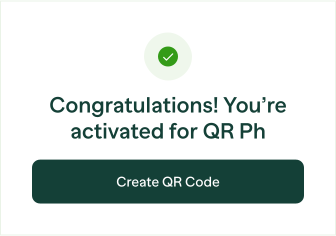
Sign up and order your standee
Create a free PayMongo account and download your QR Ph code from the dashboard. No upfront cost.
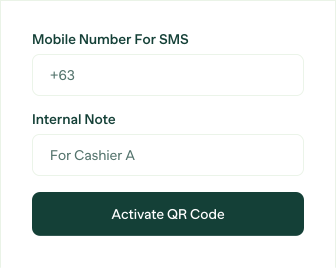
Activate your account and place at your counter
Activate your PayMongo account. Pair your QR Ph code with a mobile phone number for SMS confirmation. Place your QR Ph standee at checkout.
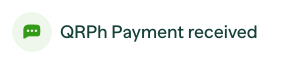
Customers scan, you get paid
Customers scan with any banking or e-wallet app and confirm the amount. Text message announces the payment. Funds are settled to your PayMongo wallet.