Your store, your branding — with payments built in.
Set up a branded online store with your own logo, colors, and layout. Track inventory, manage orders, and take payments all from your PayMongo Dashboard.
More than just a payment page
Website Builder
Personalize with your branding
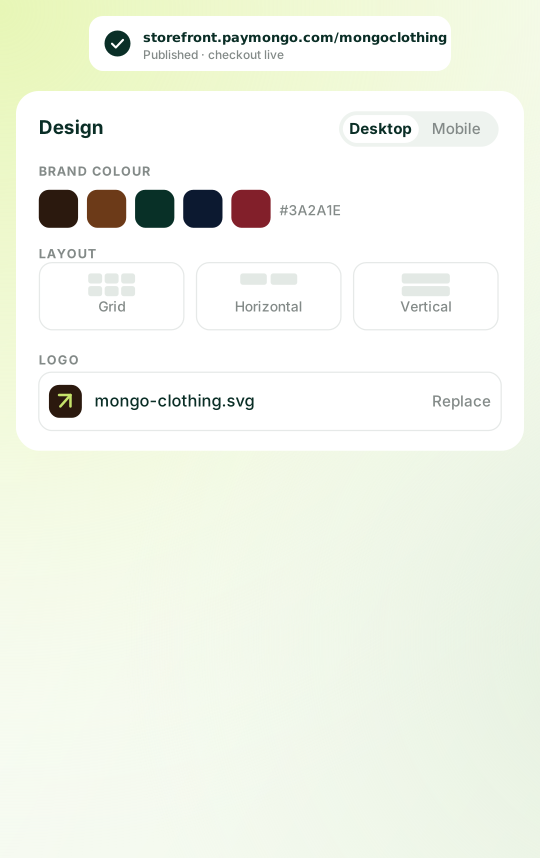
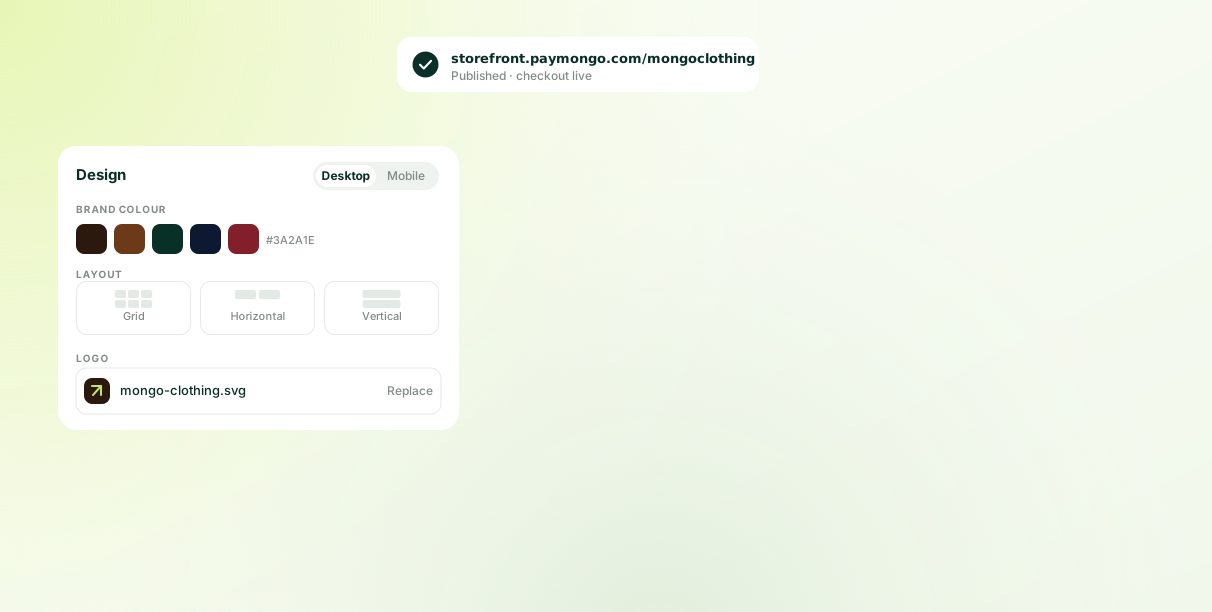
Upload your logo, set your brand colors, and pick a layout. Check the desktop and mobile view as you go. No templates to fight, no code to write.
Products and Inventory
Run a store, not just a checkout
Add products with options, track stock as it sells, and handle orders from your PayMongo Dashboard.
Built-In Payments
Start selling from day one
Payments are already built in, so customers can check out the moment your store goes live. No extra integrations or setup required.
How to use PayMongo Storefront
Set up store
Log in to your PayMongo Dashboard, and provide your store name, logo, and product details.
Design your store
Choose your layout, brand colors, and product presentation, then preview the desktop and mobile view.
Publish & start selling
Preview, adjust as needed, then publish to start accepting payments.
Questions, answered
No, and the difference matters as you grow. A payment link collects one payment. A storefront is a shop: a product catalogue with options and variants, a cart, stock that goes down as you sell, and orders you can track and fulfil. If all you need is to charge a fixed amount, a link is still the simpler tool.
Yes, properly. Add products with options like size and colour, each with its own price and stock count. Customers browse, add to cart, and check out on your store. This isn't a payment page with a product list bolted on. It's a real catalogue.
No, and the difference is payments. Website builders give you a design tool, then leave you to sort out payment processing separately. Your storefront is connected to PayMongo checkout from the moment you publish. Nothing to integrate.
Shopify charges a monthly subscription before you've added payment processing. WooCommerce needs hosting, plugins and someone to configure them. A storefront runs on the PayMongo account you already have, with payments already in it.
Like yours. Upload your logo, set your brand colours, and choose a layout: grid, horizontal or vertical. You're not writing a prompt and hoping. You're choosing what it looks like and seeing it change.
Visa, Mastercard, banks, e-wallets such as Google Pay, and National QR Codes. You choose which to enable during setup.
Build your online store in minutes.
Set up a branded storefront with your own logo, colors, and layout, and start taking payments the moment you publish. No code or technical setup required.